How to Make a Website for HVAC Business
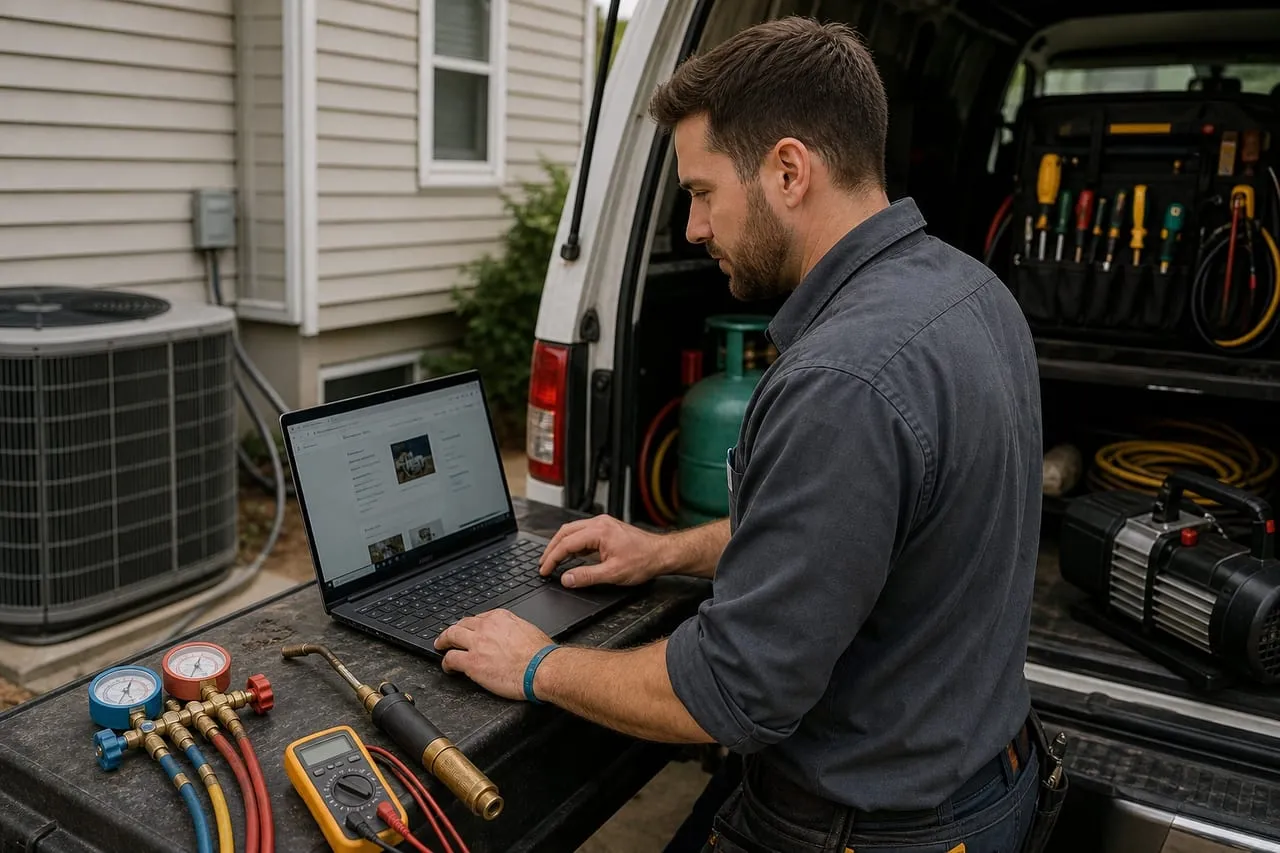
Your HVAC website has one job: turn a visitor with a broken AC into a booked service call before they hit the back button. Most contractor sites fail at this. They show a slider of stock photos, a long “About Us” page, and bury the phone number in the footer. Here is what actually converts in 2026.
The Five Pages You Need
You do not need a 30-page site. You need five pages that load fast and answer the visitor’s question in 4 seconds.
- Homepage. H1 reads “HVAC Service in [City]”, phone number top-right and click-to-call on mobile, three services as cards (AC repair, furnace repair, install/replacement), trust strip (GBP rating + license + insured + EPA certified), one short video or hero image of you with your van.
- Services pages. One page per service: AC repair, furnace repair, AC replacement, furnace replacement, heat pump installation, mini-split installation, indoor air quality, ductwork, maintenance plans. Each page 400-700 words with a clear price range and a CTA.
- Service area. List every city/zip you cover, with a Google Map embed. This page alone drives 25% of new HVAC site traffic from “HVAC near me” searches.
- Maintenance plans. Three pricing tiers (basic/$15-$20/mo, plus/$25-$30/mo, premium/$40-$50/mo) with what’s included in each. This page sells your moat.
- Reviews + contact. Embed your Google reviews live (use Trustpilot widget or Elfsight), display your phone, schedule-online button, and a 4-field form (name, phone, address, problem).
Every visitor arrives in one of two modes, and the site has to serve both without making either scroll. The emergency visitor (“AC not cooling”, 9pm, phone in hand) needs a number in the first screen and proof you answer after hours; they will never read your About page. The research visitor (replacing a 15-year-old system, collecting three quotes) wants prices and process. Publish good/better/best ranges on your replacement pages. Contractors hide pricing out of habit, which is exactly why the one who shows a $6,500-$13,000 range and explains what moves it wins the quote request. How to build those tiers is in setting prices and billing.
The maintenance plans page deserves more care than it usually gets, because it sells the one product that smooths your entire year. Show the three tiers, what each visit includes, and a join button that takes a card today. Capture emails here too: spring and fall renewal emails and texts book tune-ups in the exact shoulder months when the breakdown phone goes quiet. The profit math behind the plan base is in how much profit an HVAC business makes.
Skip the blog for the first 6 months. You don’t have time, and category guides are not what’s getting you booked.
Conversion Essentials
A pretty site that doesn’t convert is a $2,000 brochure. These are the elements that turn visits into calls.
- Click-to-call header. Phone number visible on every page, tappable on mobile. This is the single biggest conversion lever.
- Schedule-online widget. Housecall Pro, ServiceTitan, or Jobber all offer embeddable booking widgets. About 20% of visitors prefer to schedule without calling.
- Page speed under 3 seconds. Use a static-site builder (Astro, Hugo, or a fast WordPress theme like GeneratePress). Avoid heavy page builders like Elementor on your homepage.
- Mobile-first design. 70%+ of HVAC searches are mobile. Test every page on your phone before launch.
- Google Business Profile embed. Pulls live reviews, hours, photos, and map directly onto your site.
- Trust signals above the fold. Google rating count, “Licensed + Insured”, years in business, EPA 608 cert, BBB if you have it.
The metric nobody puts on the homepage brief is response time. A form submission answered inside five minutes converts at several times the rate of one answered in two hours, because that homeowner filled out three forms, not one, and hires whoever calls back first. If you cannot answer live, route form notifications to your phone as texts and treat them like dispatch calls. After 8pm the booking widget is your night-shift employee: the 20% who prefer to self-schedule roughly doubles once calling feels socially too late.
For SEO, the homepage title tag should read “HVAC Service in [City] | [Business Name]” not “Welcome to Our Site.” See how to advertise on Google for how the site connects to your ads.
Tech Stack and Build Options
Three paths, ranging from “DIY in a weekend” to “done-for-you in 7 days.”
| Path | Upfront | Monthly | You own it? |
|---|---|---|---|
| Contractor platform (Profit Rhino, Marketing 360, Scorpion) | $0-$1,000 | $200-$500 | No |
| WordPress (GeneratePress) on Cloudflare Pages or Kinsta | $1,500-$3,000 | $30-$80 | Yes |
| Done-for-you specialist | $3,000-$8,000 | $50-$150 | Read the contract |
The platforms are genuinely built for HVAC, with decent SEO and fast setup, and the monthly fee buys real convenience. The catch is structural: you are renting your own storefront forever. For done-for-you without the rental trap, Michal runs /get-website/ which builds the whole thing for HVAC contractors so you skip the design + dev pain entirely.
Whichever path you pick, register a domain that matches your business name on Namecheap or Cloudflare Registrar ($10-$15/yr). Avoid GoDaddy, the upsells are relentless.
Renting (contractor platform)
- Live in days with HVAC-specific templates
- Hosting, updates, and support all handled
- No technical decisions, ever
Renting (contractor platform)
- $200-$500/mo forever, $7k-$18k over three years
- Cancel and the site, the content, and sometimes the domain stay behind
- Your SEO equity accrues to an asset you do not own
The rule of thumb: rent if anything technical genuinely repels you and $300/mo will never bother you; own if you plan to be in business past year two. Since you do, owning wins for most operators, and the freelancer build pays for itself fast enough that the upfront cost is not a real obstacle.
The Payback Math
A website feels like a cost center until you do the attribution honestly, so do it once before deciding what to spend.
Should you run your site’s SEO yourself, or hand it off?
Standing up the five pages is the part you can absolutely do yourself, and claiming your profile and asking for reviews will carry a new shop surprisingly far. Getting those pages to actually rank for “HVAC near me” is the slower grind: page speed, schema, a page per city, and the internal links that tie them together. We wrote an honest guide on when that work is worth handing to a professional and when waiting is the smarter call: When to hire an SEO agency (and when to wait). Early on, DIY plus a strong Google Business Profile is often enough. When the rankings stall and you want them handled, request a free proposal.
Frequently asked questions
Should I use Wix or Squarespace?
For HVAC, no. Both are slow, SEO is mediocre, and the templates are aimed at boutiques and yoga studios. You want a contractor-built theme or platform.
Do I need a blog on day one?
No. Build pages for every service and every city you cover. That’s already 15-25 pages of SEO surface area. Add a blog at year 2 when you have time.
How much should I budget for the website?
$0-$200 if you DIY on a free tier. $1,500-$3,000 if you hire a freelancer for a custom WordPress build. $3,000-$8,000 for a done-for-you specialist. Hosting and domain are $20-$80/mo after.
What pulls visitors to the site in the first place?
Google Business Profile and Google Local Services Ads are 60-80% of new HVAC web traffic. The website’s job is to convert that traffic, not generate it. See how to get clients and how to promote locally for the upstream work.
Your move
Reading this does not book a job.
The owners who pull ahead are the ones who change one thing this week. If you want that one thing to be a website that sells and ads that put it in front of the right people, we build and run both for you.
Straight answer on whether we can help, usually the same day.