How to Make a Website for a Landscaping Business

Most landscaping websites are digital brochures, and a brochure has never booked a single estimate. The homeowner searching “lawn care near me” at 8pm is not there to admire your hedges. They want to know you serve their street, see proof you do good work, and hand you their address without a phone call. Build the site around that one action, requesting an estimate, and everything else is decoration. Build it around decoration, and you will have a beautiful page that the phone never rings for.
Decide what the site is for before you pick a builder
Your website exists to do one thing your truck and yard signs cannot: capture the homeowner who found you at night, on a weekend, or the moment after a storm dropped a limb on their fence. That means the whole site funnels to one action, get a free estimate, repeated on every page. Before you touch WordPress or Squarespace, write that sentence on a sticky note, because it kills 90% of the design arguments you would otherwise waste a week on.
This is also why “just put up a Facebook page” is a mistake past the first season. Facebook is rented ground, it does not rank when someone Googles your town plus “landscaping,” and you cannot control the layout. A three-page site you own outranks a Facebook page for local search and lets you send Google Ads and Facebook ads to a page built to convert instead of a feed built to distract.
Build the five pages that actually do work
Ignore the twelve-page sitemap a template pushes on you. A landscaping site needs five pages, and each has a specific conversion job. Skip the “our history since 1998” essay no homeowner reads.
| Page | The job it does | Must include |
|---|---|---|
| Home | Prove relevance in 5 seconds | City name, main services, one before/after, quote button above the fold |
| Services | Answer “do you do my thing?” | Mowing, cleanups, mulch, design, hardscape, each with a short description |
| Before/After gallery | Sell the outcome, not the effort | Real project photos in pairs, ideally captioned by town |
| Service areas | Rank for each town you cover | One page per city or ZIP you serve, named in the URL |
| Contact / Quote | Capture the lead | Short form (name, address, service, message) plus click-to-call number |
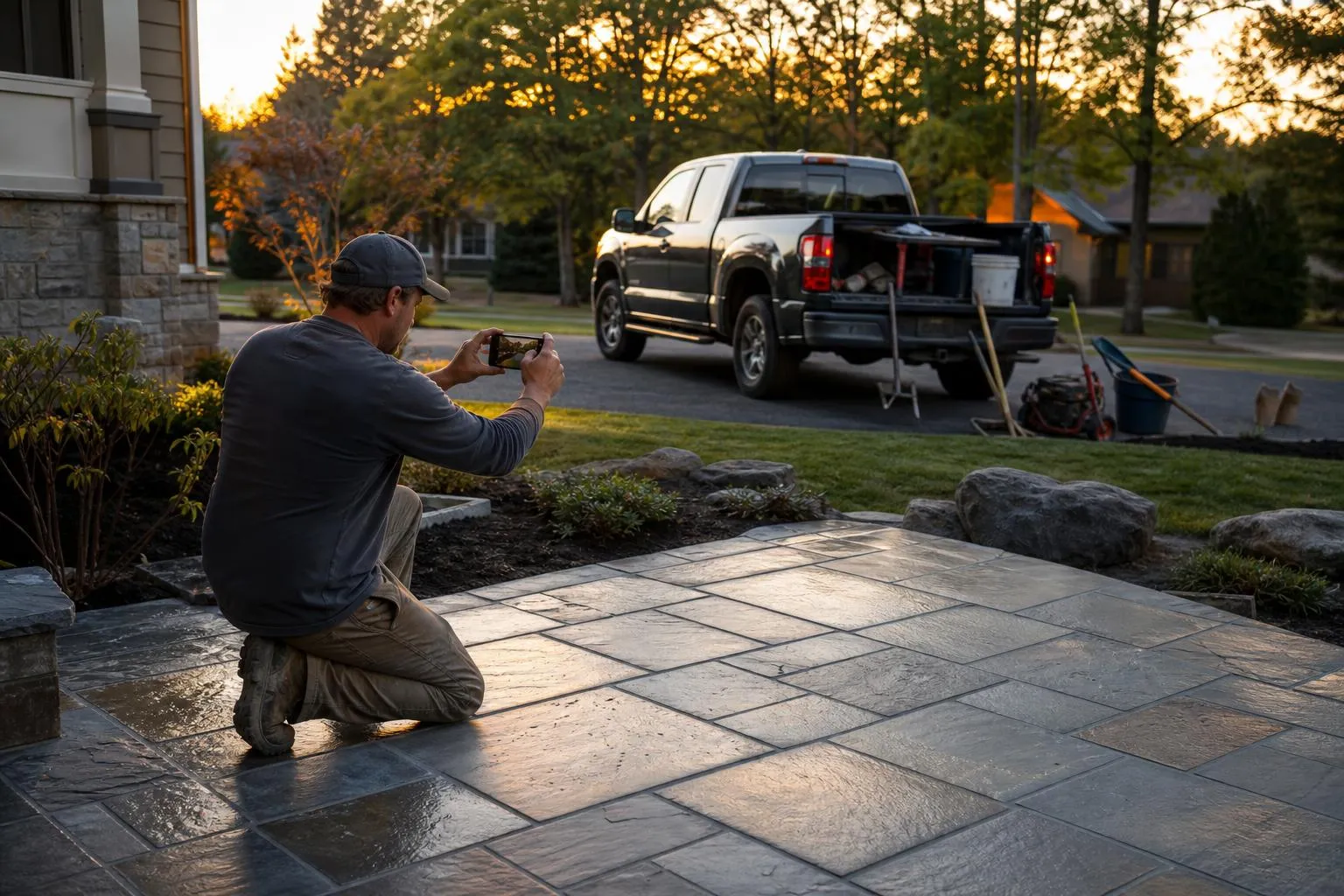
The before/after gallery is the piece that separates you from the brochure crowd, because a homeowner buys the result. Shoot the same angle before and after every job on your phone and drop the pairs in. Ten real transformations outsell any stock photo of a magazine garden, and they feed straight into your Instagram and TikTok at the same time.
Make it fast and make it work on a phone
Over half of local service searches happen on a phone, often outdoors, on a spotty connection. If your site takes five seconds to load, a big chunk of those visitors are gone before your hero photo appears, and you never knew they came. Speed is not a nice-to-have in this trade; it is the difference between a booked estimate and a bounce.
Two things kill landscaping-site speed: giant unoptimized photos and bloated page builders. Landscaping is photo-heavy by nature, so compress every image (aim for under 200 KB each, use WebP), and lean toward a lightweight build over a plugin-stacked WordPress theme. Test your finished site on your own phone on cellular data, not your office WiFi, and run it through Google’s free PageSpeed Insights. Anything under 3 seconds on mobile is the target.
DIY on a builder or have it built to convert
You have two honest routes. A DIY site on Squarespace, Wix, or GoDaddy’s builder is fast to stand up, costs $16 to $23 a month, and is genuinely fine for a first season if you follow the five-page structure above. The alternative is a site built specifically to rank and convert, which costs more up front but is engineered around the quote form, page speed, and local SEO rather than a pretty template.
DIY builder (Squarespace/Wix)
- Live in a weekend for $16 to $23 a month, no developer to wait on.
- You can update your gallery and prices yourself the day a job wraps.
- Templates handle mobile responsiveness and hosting for you automatically.
DIY builder (Squarespace/Wix)
- Templates optimize for looking nice, not for converting searchers into estimates.
- Heavy templates plus big photos often load slowly on mobile, and you lose leads you never see.
- Ranking for each service-area town takes SEO know-how the template will not teach you.
Whichever route you pick, buy a real domain (yourcompany.com, not a builder subdomain) through Namecheap or Google Domains for about $12 a year, because a professional address on your truck and cards is worth far more than the cost. Then connect your Google Business Profile to the site so the two reinforce each other in local search.
Getting found is the part that decides everything
A website only earns its keep when searchers actually land on it, so pair the build with the free foundations. First, claim and fully complete your Google Business Profile, add real bay-and-crew photos, list every service, and link it to your new site; for landscapers that profile drives more first-time calls than the website itself early on. Second, build one service-area page for every town you cover, each with that town’s name in the URL and headline, so you rank when someone searches their specific city plus “landscaping.”
The harder part is the site itself converting and ranking, which is where doing it badly costs more than not doing it at all, because you pay to send traffic to a page that leaks it. The gap between a site that turns searching homeowners into booked estimates and one that just looks fine is invisible until you compare the lead numbers, exactly like Marco and Rosa. If you would rather have that handled than guess at it, get a free video walkthrough of your site. For local SEO, Google Ads, and paid social, see our website optimization and SEO service. If you have the business idea but not the plan yet, start at expntl.com.
Should you run your website’s SEO yourself, or hand it off?
You can stand up the five pages and do the on-page basics yourself: your town in the headlines, real before-and-after photos, a Google Business Profile linked to the site. The slow, compounding part, ranking a page for every town you serve against crews who started years ago, is where most owners underestimate the work. We wrote an honest guide on when handing the SEO to a professional is worth it and when to keep waiting: when to hire an SEO agency (and when to wait). When you want the ranking work handled, request a free proposal.
Frequently asked questions
How much does a landscaping website cost?
A DIY site on Squarespace or Wix runs $16 to $23 a month plus about $12 a year for a domain, and that is a legitimate way to start. A professionally built, conversion-focused site is a larger up-front cost but is engineered around the quote form, page speed, and ranking for each town you serve. Either way, budget for a real domain and real photos rather than a template’s stock imagery.
What pages does a landscaping website actually need?
Five: a home page that proves relevance in five seconds, a services page, a before/after gallery, one service-area page per town you cover, and a contact page with a quote form and click-to-call. Skip the long history essay and the twelve-page sitemap templates push. Each page should funnel to the same action, request a free estimate.
Do I need WordPress, or is Squarespace fine?
Squarespace or Wix is completely fine for a first landscaping site and faster to launch than WordPress. WordPress gives more control and better SEO ceiling but needs more upkeep and can load slowly if you stack plugins and big photos. The builder matters far less than whether the site is fast, mobile-friendly, and built around a quote form.
How do I get my landscaping website to show up on Google?
Complete your Google Business Profile and link it to the site, build a dedicated page for each town you serve with that city’s name in the URL and headline, and gather real customer reviews. Then keep the site fast on mobile, since Google ranks slow sites lower. For a deeper push, our guide on advertising on Google covers paid placement on top of the organic work.
Should I just use a Facebook page instead of a website?
A Facebook page is fine as a supplement but not a replacement, because you do not own it, it does not rank well when someone Googles your town plus “landscaping,” and you cannot control the layout or add a proper quote form. A simple site you own outranks a Facebook page for local search and gives you a page built to convert. Use both, but the site is the one that captures the searching homeowner.
Your move
Reading this does not book a job.
The owners who pull ahead are the ones who change one thing this week. If you want that one thing to be a website that sells and ads that put it in front of the right people, we build and run both for you.
Straight answer on whether we can help, usually the same day.