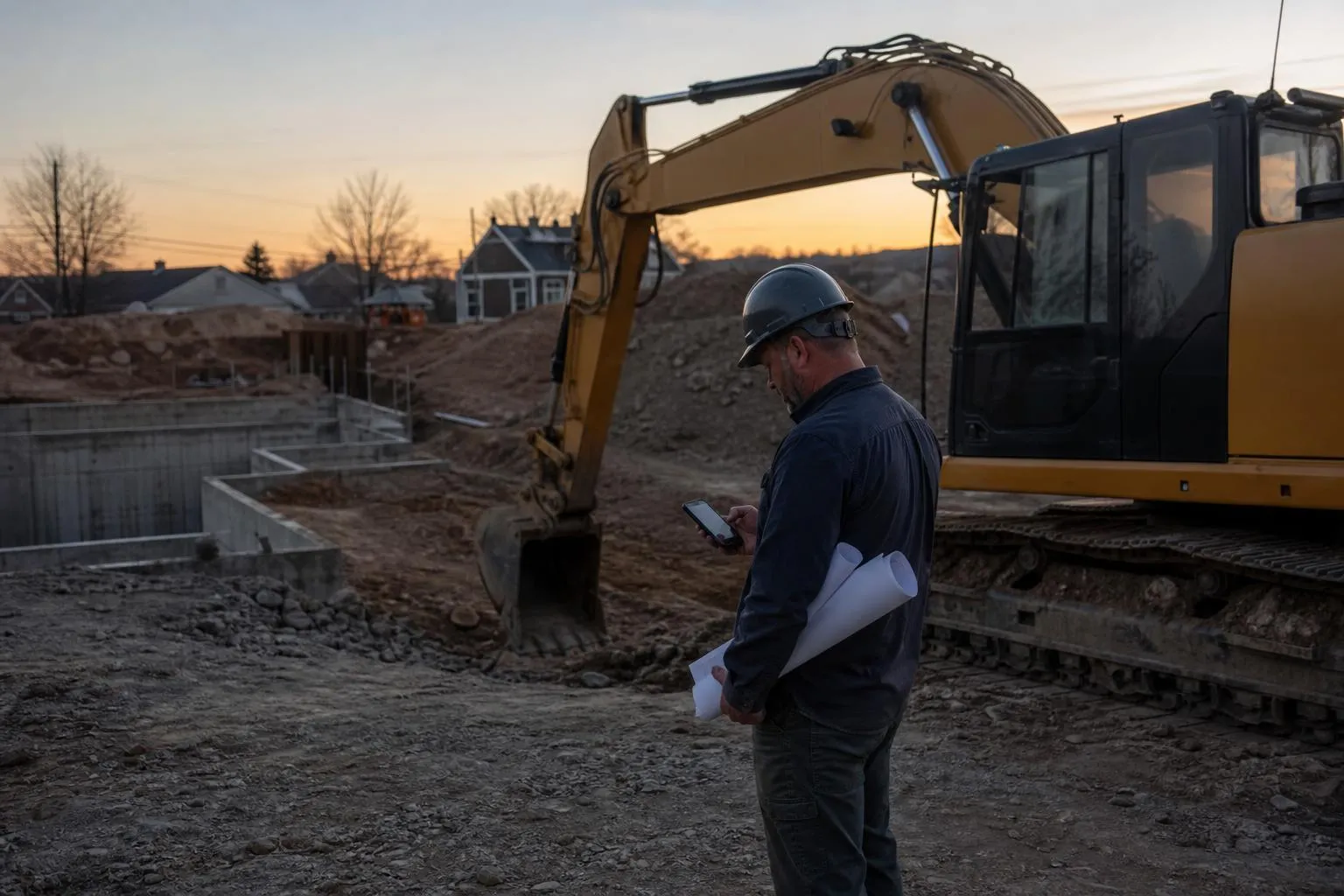
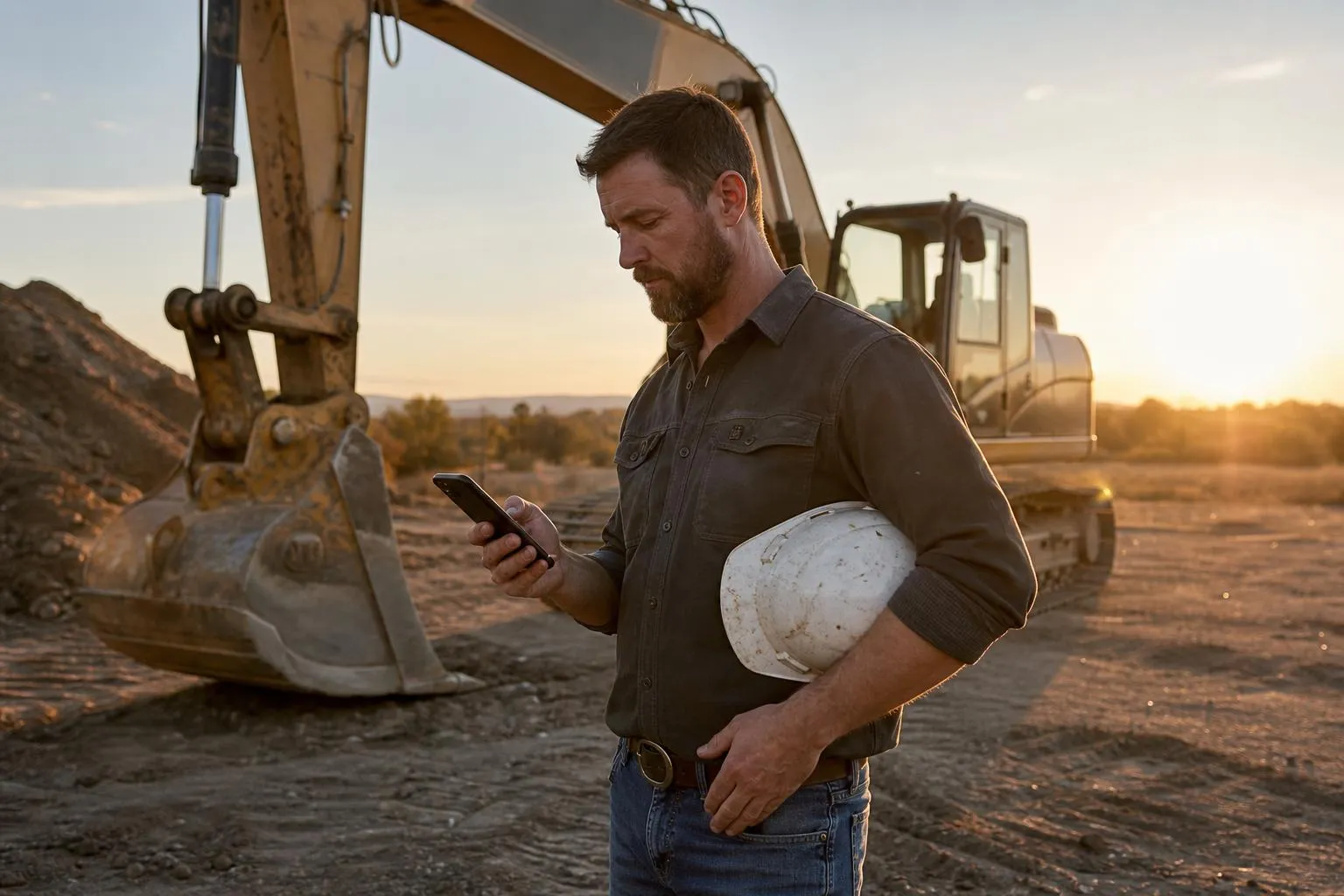
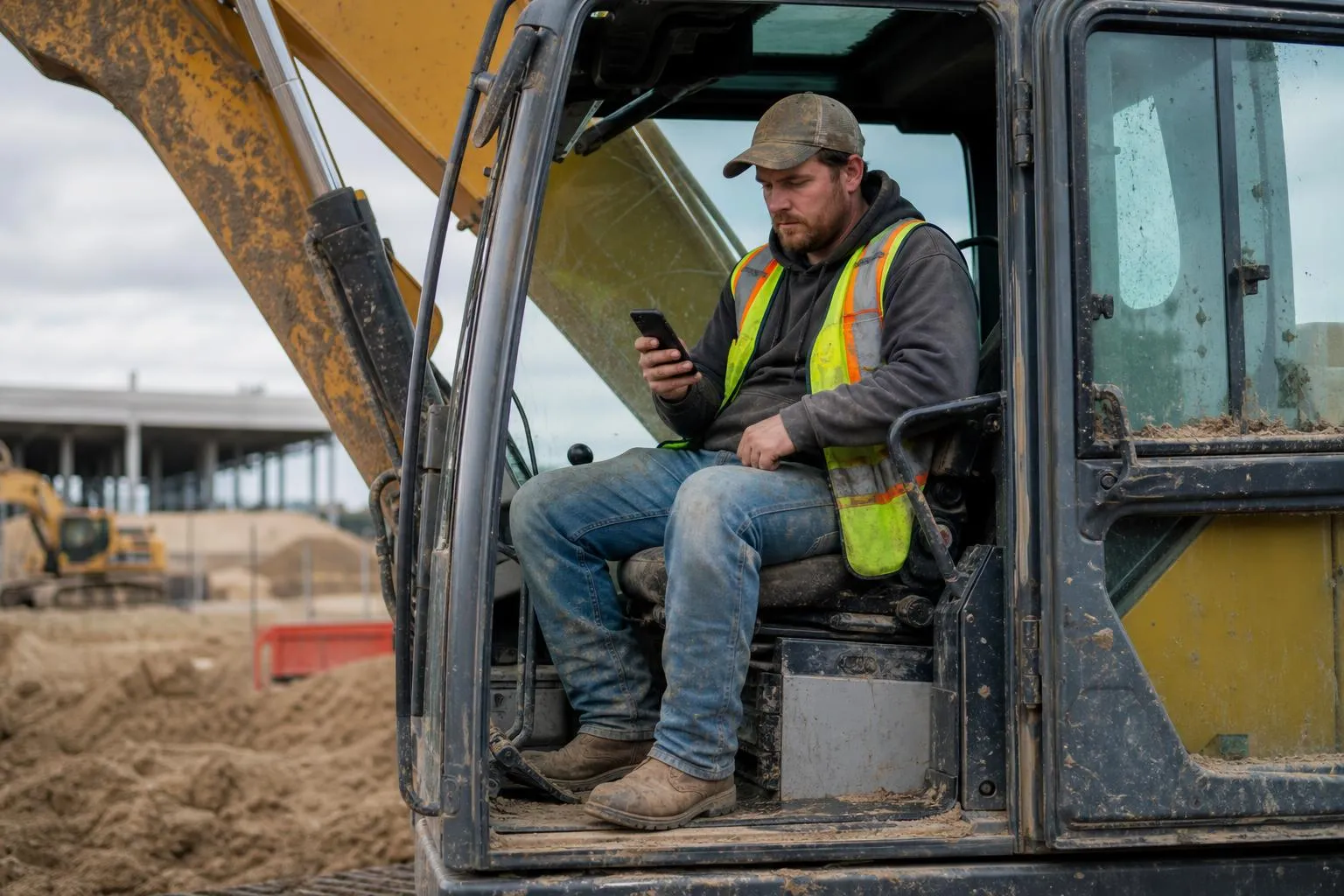
How to Make a Website for Excavation Business
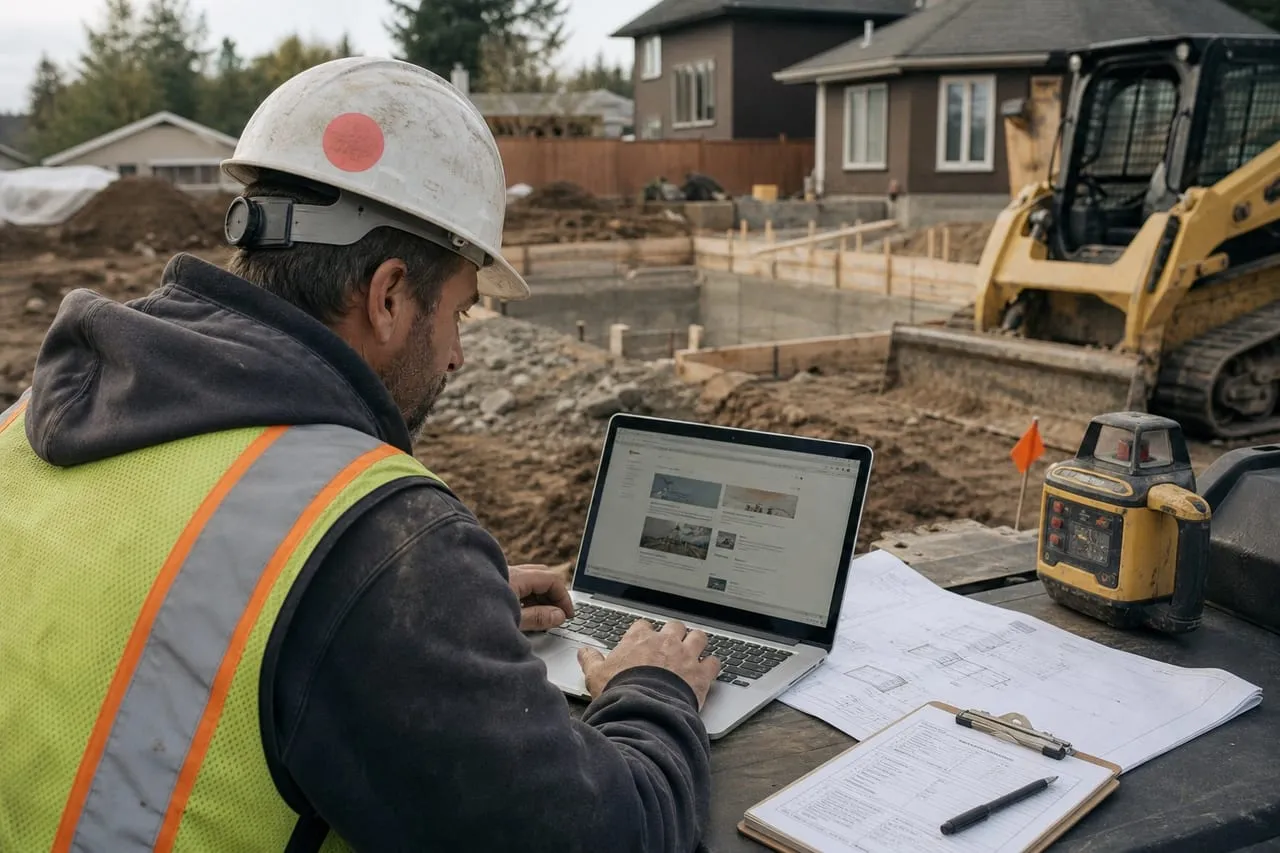
An excavation website does two jobs: prove you’re real to builders checking your references and capture the residential leads finding you on Google for driveways and drainage. It doesn’t need to be fancy. It needs to load fast on a phone, show real jobsite photos, and have a quote form and click-to-call button on every page. A five-page site built right beats a 30-page site full of stock photos every time.
The Five Pages You Actually Need
Don’t overthink the sitemap.
- Home: hero photo of your machine on a real jobsite, tagline, services list, click-to-call button, quote form below the fold.
- Services: list each service type with two paragraphs and a photo. Site prep, foundation excavation, utility trenching, septic, driveways, demolition, snow removal.
- Service area: name the counties and cities you cover. This is your local SEO page.
- Jobsite gallery: 20+ photos with captions naming the city and service type. Drone shots of finished pads kill it.
- Contact: phone, email, service area map, quote form, business hours.
Optional but high-converting: a reviews page pulling from your Google Business Profile, and an equipment list page that builds credibility with GCs.
The reason these five pages work is that an excavation site serves two visitors asking different questions. The homeowner searching “driveway excavation near me” is shopping: she wants proof you’re legitimate, a sense of price, and a frictionless way to call. The builder or GC checking you out before a bid is verifying: he wants years in business, real iron, finished pads, and a “licensed, bonded, insured” line with a license number he can check. Both decide in under a minute, and both decide mostly from the gallery and the contact path. Stock photos fail both audiences at once, which makes them the single most damaging shortcut on a contractor site. Run the same logo here as on the truck door (the logo guide covers that consistency) so the builder who saw your machine on a jobsite recognizes you online.
What Converts: The Non-Negotiables
Three elements separate excavation sites that get calls from ones that don’t.
- Click-to-call button in the top right of every page, sticky on mobile. Tap-and-dial.
- Quote form with name, phone, project type, location, target start date. Five fields max.
- Real photos, not stock. A photo of your CAT 305 doing a basement dig beats a stock photo of a Komatsu every time.
- Reviews count and rating visible on the home page (pull from GBP).
- Service area named in the header text and footer.
The quote form earns its keep after hours, but only with a response habit attached. Form leads go cold on a curve: answer inside an hour and you reach most of them first; answer the next morning and a third have already booked whoever picked up at 7 PM from his truck. Set the form to text your phone, not just email an inbox you check weekly, and reply with a call rather than an email. The lead chose the form because calling felt like commitment; you calling them removes the friction in the other direction.
For paid traffic, see how to run Google Ads. For organic local visibility, how to promote locally covers GBP optimization.
Build It Yourself or Get It Done
Three paths, and the honest trade-offs between them.
| Path | Upfront cost | Ongoing | Your time | Best fit |
|---|---|---|---|---|
| DIY on Squarespace or Wix | $0 | About $20 a month | 8 to 15 hours | One-machine operator, tight budget |
| Local web designer | $1,500 to 5,000 | Domain and hosting, $100 to 300 a year | A few hours of input | Established operator ready to rank |
| Done-for-you: Michal builds excavation sites at get-website | Between the two | Managed | Minimal | Owners who want it handled fast |
Building it yourself: pros
- Roughly $20 a month all-in, no dependence on anyone’s schedule
- You learn to edit it, so photos and service areas actually stay current
- Plenty good enough to support GBP and capture residential calls
Building it yourself: cons
- Costs 8 to 15 hours you could spend billing $150 machine hours
- Template SEO basics are easy to get wrong: page titles, headings, image sizes
- DIY sites tend to stall: launched once, never touched after month two
The honest tiebreaker is your machine rate. If the machine is not busy yet, your hours are cheap, so build it yourself and learn the tooling. Once you bill steadily, twelve hours of website fiddling is $1,800 of foregone digging, which already covers most of a professional build. Whichever path you pick, register the domain yourself, in your own name, on your own card, then grant the designer access. Never let a designer hold your domain.
SEO Basics That Move the Needle
You don’t need a full SEO strategy. You need three things.
- Google Business Profile: complete, verified, with weekly posts and 30+ reviews. This drives more leads than the website does.
- City + service combos in page titles: “Driveway Excavation Williamson County” beats “Excavation Services” every time.
- Get listed on Houzz, Angi, BBB, HomeAdvisor, and your local Home Builders Association directory. These citations help GBP ranking.
The part of item three that actually matters is consistency. Google cross-references your name, address, and phone number across every listing, and a yard address formatted three different ways splits your citation strength into three weaker signals. Pick one exact format for the business name and phone number and paste it identically everywhere, including the website footer. And keep the priority straight: a week spent getting five new Google reviews moves your phone more than a week spent rewriting website copy, because for “excavation near me” searches the map pack gets the clicks and your site closes them.
A built site still has to rank. Should you do the SEO yourself?
Standing up five clean pages and keeping the photo pipeline full is well within a motivated owner’s reach, and you should own that. Getting the site to actually rank for “excavation [city]“the schema, the per-city pages, the citation consistency, the map-pack work, is the slow compounding grind most owners underestimate. We wrote an honest guide on when that work is worth handing to a professional and when to wait: when to hire an SEO agency. When you would rather have the ranking handled, request a free proposal.
Frequently asked questions
How much should I spend on the website?
$0 to $500 a year on hosting plus domain if DIY. $1,500 to $5,000 one-time if hired. Avoid the $300-a-month “we’ll handle everything” companies. You’ll never own the site.
Should I have a blog?
Not unless you’ll actually write it. Two empty months on a blog hurts you more than no blog. If you blog, write about your service area: “What Permits Are Needed for a Driveway in Travis County” type stuff.
What about a chatbot or AI widget?
Skip it. Builders calling for bids want a human on the phone. A chatbot signals you’re not big enough to staff calls and not real enough to bother.
Do I need a quote form or just the phone number?
Both. Phone calls convert at 30 to 50 percent for excavation. Quote forms capture the after-hours leads and the people who hate phone calls. Reply to forms within an hour during business hours.
How long until the site brings in leads?
GBP-driven calls start within two weeks of verification. Organic search rankings for “excavation [city]” take three to nine months depending on competition. Paid Google Ads work immediately. Mix all three.
Your move
Reading this does not book a job.
The owners who pull ahead are the ones who change one thing this week. If you want that one thing to be a website that sells and ads that put it in front of the right people, we build and run both for you.
Straight answer on whether we can help, usually the same day.