How to Run Google Ads for Excavation Business
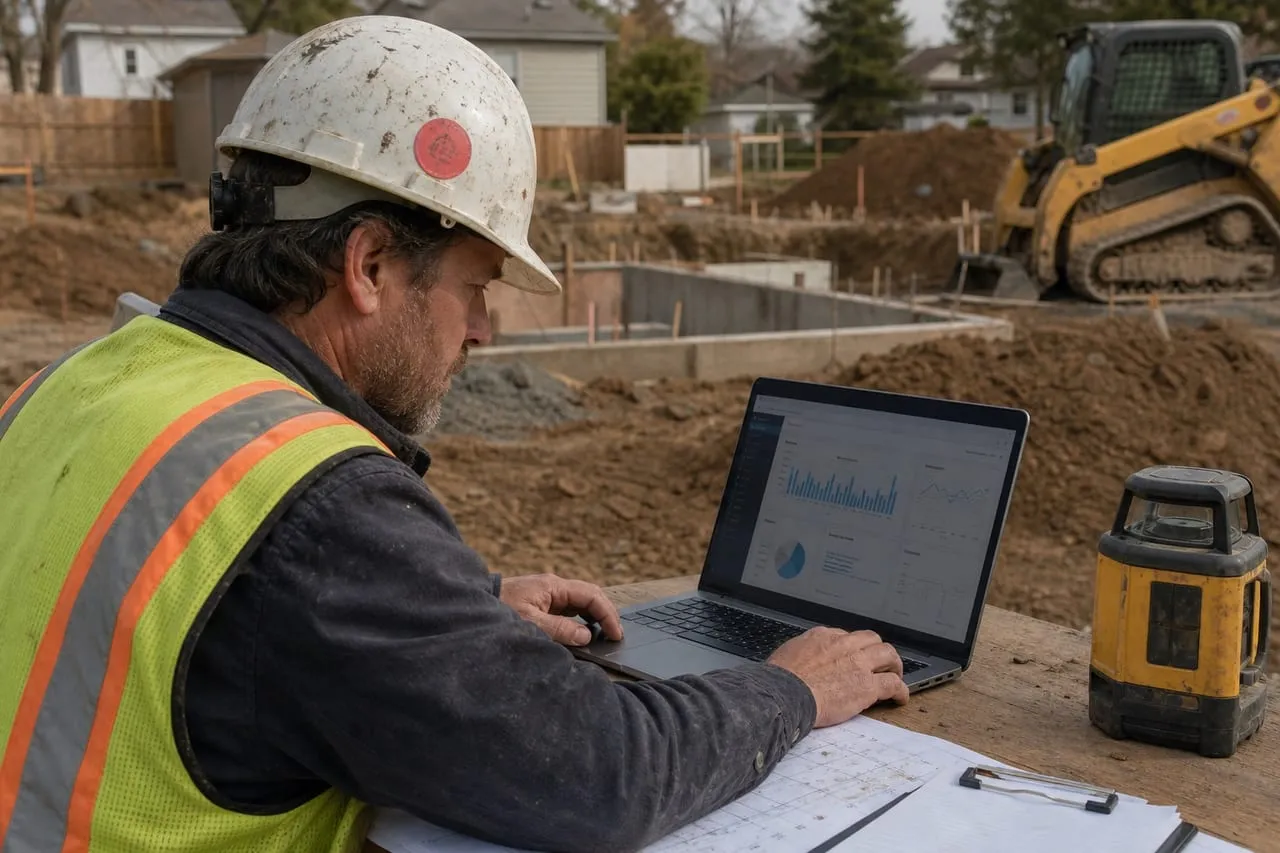
Google Ads is the fastest-paying lead channel for residential excavation work. Local Services Ads dominate the top of the results page when you qualify. Search Ads fill in below. Done right, expect $35 to $90 per lead and a 15 to 35 percent close rate, depending on speed of follow-up. Done wrong, Google Ads eats $2k a month and produces tire-kickers.
Step 1: Local Services Ads First
If you qualify, LSAs are the highest-ROI ad product Google offers for excavation.
- Apply at ads.google.com/local-services-ads.
- Select category: Excavation Contractor (also pick Demolition, Septic, Tree Service if applicable).
- Submit contractor license, general liability insurance certificate, workers comp.
- Background check on owner and field employees (Google partners with Pinkerton or similar).
- Service area: 25 to 50-mile radius from your yard.
- Weekly budget: start $300 to $700.
- Lead types: pick which job types you want (driveway, drainage, septic, demolition, foundation).
Verification takes 1 to 3 weeks. The “Google Guarantee” badge that appears after approval is worth gold on conversions.
The reason LSAs beat regular ads for this trade is the billing model. You pay for a lead (a call or message), not a click, which kills the classic contractor problem of paying $15 a click for researchers, competitors, and toy shoppers. Junk leads, like someone asking for a service you don’t offer or a job outside your area, can be disputed for credit inside the platform. The license and insurance you already carry as an excavation contractor are the moat here: most fly-by-night operators never clear verification, so the auction is thinner than regular Search.
The other thing to understand is what ranks you. LSA position is driven by review count, review recency, answer rate, and proximity, not by who bids the most. That means the review engine from the local promotion playbook directly raises this channel’s output, and a missed call directly lowers it. Google tracks whether you pick up; operators who let LSA calls ring to voicemail watch their lead volume quietly dry up within weeks.
LSAs vs Search: Where Each Dollar Goes
The two products are complements, not substitutes, and they fail in different ways.
| Local Services Ads | Search Ads | |
|---|---|---|
| You pay for | A lead (call/message) | A click |
| Typical cost per lead | $35–90 | $50–150 |
| What ranks you | Reviews, answer rate, proximity | Bid and Quality Score |
| Targeting control | Low: categories and area | High: keywords, copy, schedule |
| Time to live | 1–3 weeks of verification | Same day |
| Best for | Mainstream jobs: driveway, septic, demo | Specific intent: “basement excavation”, “land clearing” |
Budget between them by season, not by habit. Excavation demand follows the ground: in the spring thaw, drainage queries spike and both products print; in frozen months, demand drops and smart operators cut Search to a maintenance budget while leaving LSAs on (you only pay if a lead actually comes). Pause campaigns rather than deleting them, because account history and Quality Score are assets you rebuild slowly from zero.
Step 2: Search Campaign Setup
Run Search Ads alongside LSAs for keywords LSAs don’t cover well.
- Campaign type: Search, Manual CPC or Maximize Conversions bidding.
- Location: 25-mile radius around your yard.
- Language: English (Spanish if applicable for your market).
- Budget: $30 to $80 a day to start. Scale up after first 30 days based on cost per acquisition.
- Ad schedule: Monday-Friday 6 AM to 8 PM, Saturday 7 AM to 5 PM. Skip Sundays unless you answer the phone.
Two of those settings deserve the reasoning. Bidding: start on Manual CPC even though Google pushes automation, because Maximize Conversions with an empty conversion history tells the algorithm to guess with your money; switch it on after the account has logged 15 to 30 real conversions and it finally has something to learn from. Schedule: the windows above exist because a quote request answered live books at several times the rate of one returned the next morning. Run ads only when someone can actually pick up the phone.
Step 3: Keyword Strategy
The keywords that convert for excavation are narrow and intent-loaded.
- High-intent (run these): “driveway excavation [city]”, “drainage contractor [city]”, “septic installer near me”, “demolition contractor [city]”, “basement excavation [city]”, “land clearing [city]”.
- Medium-intent (test these): “site contractor [city]”, “land grading near me”, “mini excavator service [city]”.
- Low-intent (avoid): “excavation”, “excavator”, “construction”. Mixed intent, low conversion.
Use single-keyword ad groups (SKAGs) for top performers. One keyword per ad group means tighter ad copy and better Quality Score, which lowers CPC.
The pattern behind the high-intent list is “service plus place”: someone typing a city name or “near me” next to a trade is hiring, while someone typing the bare trade is researching, daydreaming, or doing homework. The same logic governs match types. Start everything as phrase or exact match, because broad match on “excavation” will cheerfully spend your budget on archaeology documentaries. You can loosen match types later, once the negative list below has teeth.
Step 4: Negative Keywords
The fastest way to cut wasted spend.
- Add as negative keywords on day one: “jobs”, “salary”, “hiring”, “rental”, “rent”, “DIY”, “free”, “courses”, “school”, “training”, “for sale”, “used”, “Bobcat” (the brand search), “Caterpillar” (brand search).
- Review the Search Terms report weekly for the first 90 days. Add any irrelevant query as a negative keyword.
- Common waste: “excavator simulator”, “mining excavation”, “amazon excavator toy”, “excavation games”.
For landing-page strategy and broader Google strategy, see how to advertise on Google and how to make a website.
Step 5: Conversion Tracking
Don’t run ads without conversion tracking set up.
- Phone call conversions: track via call extensions and call tracking numbers. Google Ads has built-in call tracking.
- Form submissions: install Google Ads conversion tag on your thank-you page.
- Import GBP calls from LSAs: separate but related conversion metric.
Without this, you can’t optimize and you can’t tell which keywords actually produce paying jobs.
One refinement that pays for itself: count a phone call as a conversion only if it lasts 60 seconds or more, which filters wrong numbers and robocalls out of the data your bidding learns from. And keep the final ledger outside Google. A one-tab spreadsheet tying each lead to its keyword, quote amount, and won-or-lost outcome is what tells you that “driveway excavation [city]” produces $6k jobs while “land grading near me” produces price shoppers. That feedback loop, leads scored against booked revenue, is the entire skill of running this channel.
Run It Yourself or Hire an Agency?
Every operator hits this question around month three, usually after the first $2k month.
Hiring an agency: pros
- Contractor-specialist shops arrive with tested keyword and negative lists from dozens of accounts
- Frees up 3 to 5 owner-hours a week in the season you have none
- Faster ad-copy and landing-page iteration than most owners will ever do
Hiring an agency: cons
- $500 to $1,500 a month management fee on top of ad spend
- Generalist agencies learn excavation with your budget
- Optimizes for leads, not booked jobs, unless you feed close-rate data back weekly
The sequencing answer: run it yourself for the first 90 days, because the owner who knows his own cost per lead and converting keywords can manage any agency honestly, and the one who never learned cannot. When spend passes about $5k a month, the management fee starts costing less than your own hours. One non-negotiable either way: the Google Ads account lives under your login and your billing, with the agency added as a manager. Agencies that insist on running “their” account hold your data and history hostage when you leave.
Should you run Google Ads yourself, or hand it off?
A disciplined owner with one machine can absolutely run a tight LSA-plus-Search account for the first few months, and learning your own numbers is worth doing. The real question is whether the hours you burn learning, and the budget that leaks while you do, cost more than paying a contractor specialist who already knows the negatives and the answer-rate game. We wrote an honest breakdown of when doing it yourself still wins and when it quietly stops paying: the signs your business has outgrown DIY Google Ads. If three or more ring true, you are past the learning stage. When you want it handled, request a free proposal.
Frequently asked questions
How much should I budget per month?
$800 to $2,500 a month for a single-machine residential operation. $3k to $8k for a multi-crew operation that can handle 30+ leads a month.
What’s a realistic cost per lead?
$35 to $90 for LSAs, $50 to $150 for Search Ads in most markets. High-cost markets (San Francisco, Seattle, NYC suburbs) can be 1.5 to 2x that.
LSAs are paused or my account got rejected. Now what?
Run Search Ads only while you appeal. Common rejection reasons: insurance lapse, license expired, background check delay. Get insurance docs current and reapply.
Should I run Performance Max?
Not initially. Performance Max has weak controls for contractor leads. Master Search first. Test Performance Max once you have a baseline.
What about Display Network?
Skip for excavation. Display Network traffic has poor conversion for contractor services. Stick to Search and LSAs.
Should I hire an agency?
Run it yourself for the first 90 days to learn what works in your market. Hire a contractor-specialist agency once you’re spending $5k+ a month and need optimization at scale.