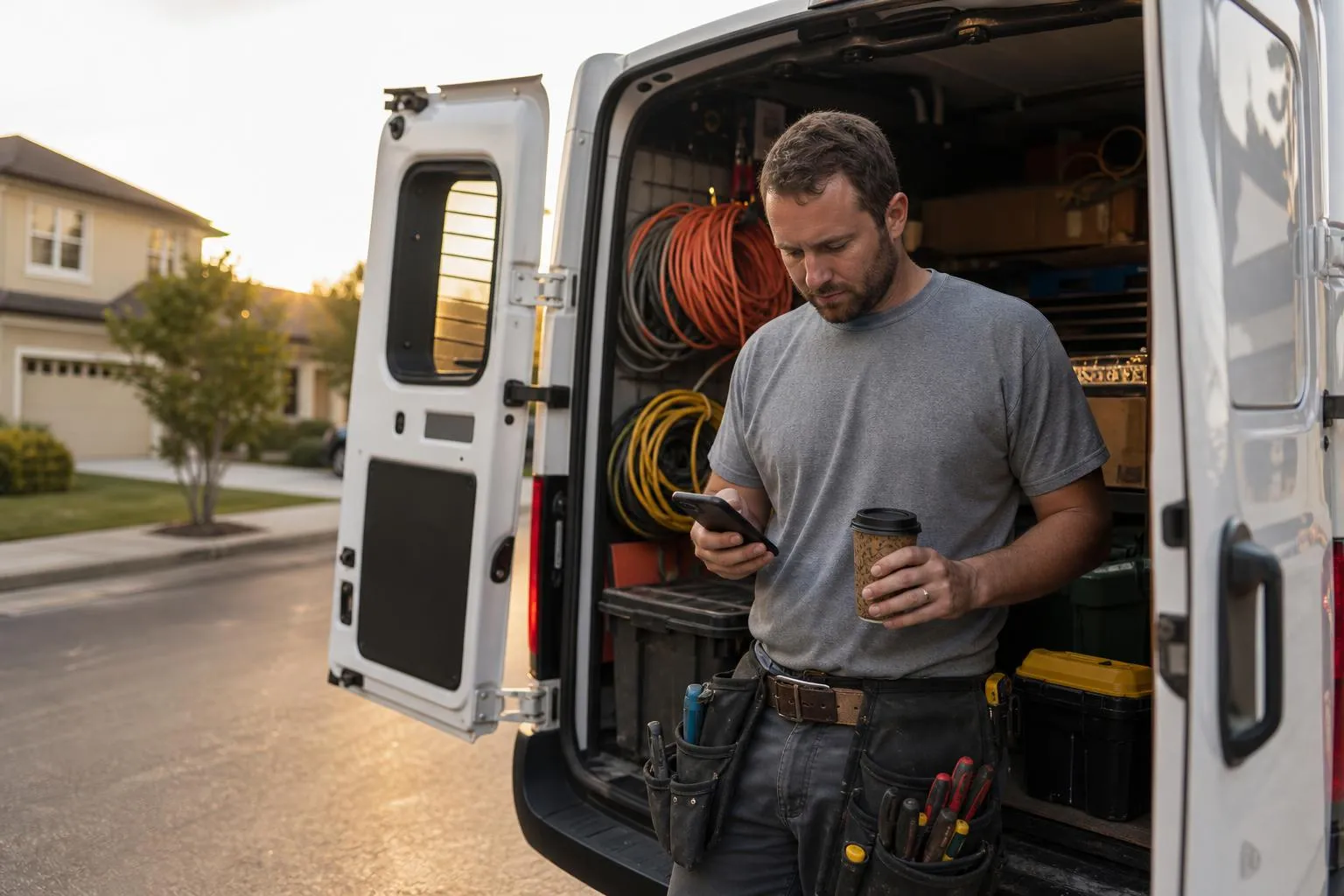
How to Run Facebook for Your Electrical Business
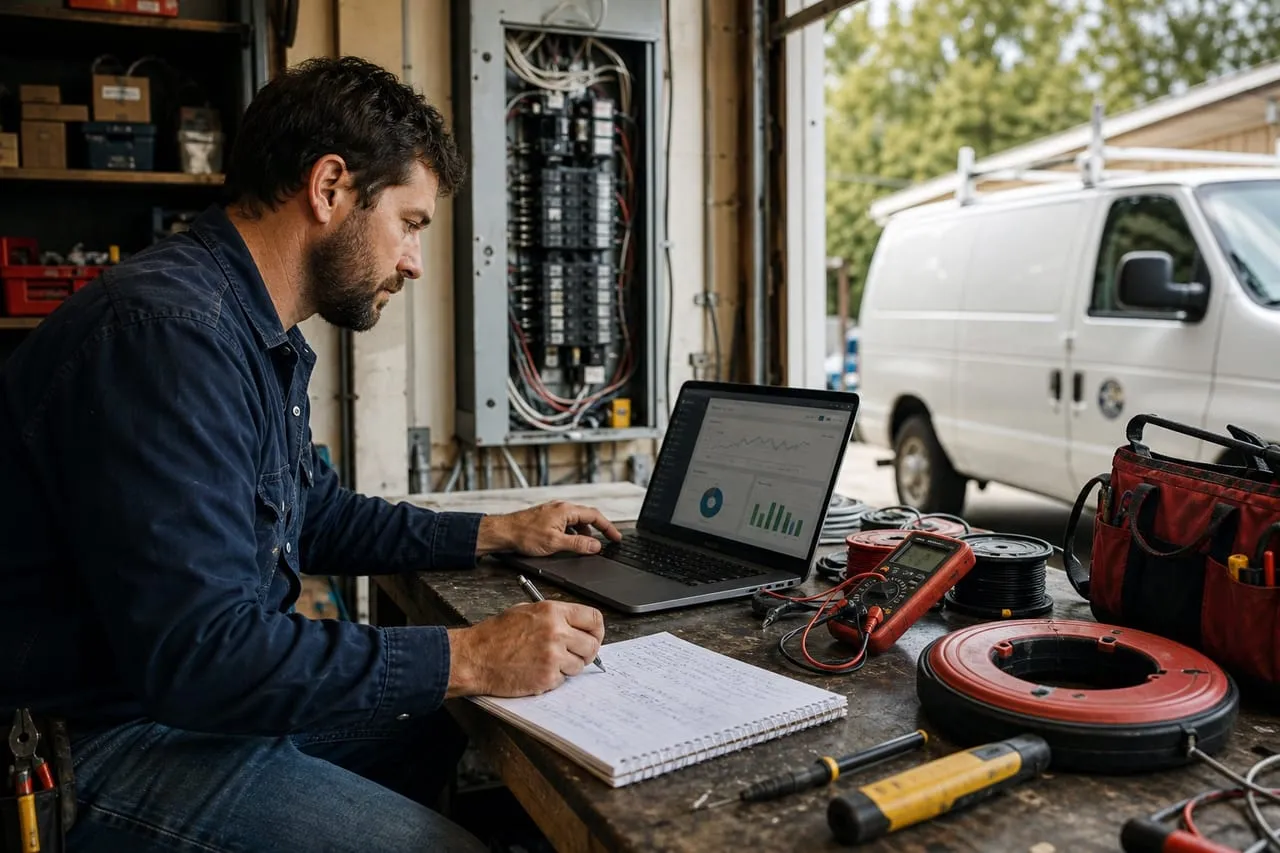
Running Facebook for an electrical business is a different job from running Facebook ads. The page itself is your brand presence, your reputation surface, and your retargeting pool. Done right, the page costs nothing and quietly compounds. Done wrong, you have a graveyard with two posts from 2022 and no replies to customer messages. Below is the operational playbook for the page itself, separate from paid ads.
Setting Up Meta Business Manager Properly
Do not run the page from your personal Facebook account. Set up Meta Business Manager (business.facebook.com) and create a Business Account first. This separates business assets from personal Facebook and lets you add team members, ad accounts, and a pixel cleanly.
- Create a Business Manager account at business.facebook.com
- Add or claim your Facebook Page
- Add or claim your Instagram account (link them)
- Set up an Ad Account inside Business Manager
- Install the Meta Pixel on your website
- Add a payment method to the Ad Account
- Add at least one secondary admin (a partner or trusted manager)
This 30-minute setup saves you a year of pain later. Pages created from personal accounts can get locked out, lose admin access, or fail to switch to the new agency.
The underlying issue is asset ownership. A page tied to one personal profile lives and dies with that profile, and Meta’s account-recovery process for small businesses is somewhere between slow and nonexistent. Treat the page like you treat your license and your GBP: a business asset that must survive any one person losing access to anything.
The Page Itself: Make It Convert
Your Facebook page is a landing page. Treat it like one.
- Cover photo: your van wrap or a panel-upgrade before/after
- Profile picture: your logo, cropped to a circle
- About section: services, license number, service area, years in business
- Contact info: phone with click-to-call, email, website
- Service categories filled out completely
- “Send Message” button enabled with a fast-reply commitment
- Reviews enabled, recommendations turned on
A page set up this way converts cold visitors at 2 to 4x the rate of a default page. Most of that conversion is the click-to-call button.
Remember who those cold visitors are. Almost nobody browses contractor pages for fun; the visitor is a homeowner who got your name from a neighbor or saw your van and is now verifying you exist and look competent. They will spend 40 seconds, look at the three newest posts and the reviews, and either tap the phone number or leave. That is why the setup list above matters more than follower count: the page is a verification stop on the way to a phone call, not an audience to entertain.
Posting Cadence That Doesn’t Suck
Posting more is not better. Posting useful, real content is. The working mix at 2 to 4 posts per week:
| Content type | Share | Example post | Why it earns its slot |
|---|---|---|---|
| Job photos, time-lapses | 60% | Federal Pacific panel swapped for a clean Square D | Visible proof of competence |
| Educational | 20% | “3 panel brands worth replacing, and why” | Gets saved and shared, plants future projects |
| Testimonials | 10% | 20-second phone clip of a happy customer | Borrowed trust, zero production cost |
| Behind-the-scenes | 10% | Apprentice’s first solo EV charger install | Humanizes the crew, doubles as recruiting |
Skip: motivational quotes, “happy Monday” graphics, generic memes. Customers do not hire a contractor because they shared a sunrise quote.
Cross-post the same content to Instagram with one click via Meta Business Suite. You are doing the work once, posting it twice. The same material carries an Instagram presence too; see the Instagram promotion guide for the platform-specific layer.
Replies, Reviews, and Reputation
The page is also your customer service inbox. Treat it that way.
- Respond to every direct message within 4 hours during business hours
- Respond to every review and recommendation within 24 hours
- Use saved replies for common questions (hours, service area, pricing)
- Mark spam and irrelevant messages so the page metrics stay clean
- Pin a “how to book” or “service area” post to the top
Page response rate is a public metric. Customers see “responds within an hour” and that converts. A page showing “typically responds within a few days” loses the next customer.
The asymmetry here is what makes it worth systematizing: a fast reply rarely wins the job by itself, but a slow one reliably loses it, because the homeowner messaged three contractors at once and booked the first competent answer. Saved replies get your response time under five minutes without you typing on a ladder. Write four of them (service area, rough pricing philosophy, how to book, “send a photo of the panel”) and you have covered 80 percent of inbound messages.
What the Page Is Actually Worth
Organic reach for a local business page is modest and that is fine, because the page’s compounding value is the audience data it builds. Every engager and every pixel-tracked website visitor lands in a retargeting pool you can advertise to later for a fraction of cold-traffic cost.
Boost Button vs Ads Manager
The Boost button on a post is tempting precisely because it is two taps from your phone. Know what you are trading for that convenience:
Boost button: pros
- Two taps, zero learning curve
- Fine for pure local awareness on an already-popular post
- Small dollars, capped downside
Boost button: cons
- Optimizes for engagement, not calls or leads
- Crude targeting, no exclusions, no creative testing
- No pixel-driven retargeting, the highest-ROI Meta play
The honest verdict: a $20 boost on a great panel before/after to a 10-mile radius is harmless brand fuel. But the moment your goal is leads rather than likes, the same money in Ads Manager buys proper targeting, creative variants, and retargeting. If you want to advertise on Facebook, learn Ads Manager. Full detail in how to advertise on Facebook. For the broader channel mix, see how to advertise an electrical business.
Common Page Management Mistakes
Patterns that quietly kill page performance:
- Posting only when bored (3 posts in October, none in November)
- Generic stock images instead of real job photos
- Ignoring messages and reviews for days at a time
- Sharing political content (loses 30 percent of audience instantly)
- Letting the page languish while focused on Instagram
The page does not need to be a full-time job. 30 to 60 minutes a week of posting and replies keeps it healthy.
Should you run Facebook and Instagram ads yourself, or hand them off?
The page itself is a 30-to-60-minute-a-week job you should keep in-house; nobody else has the job photos or knows the crew. Paid campaigns in Ads Manager are the different skill, where the pixel, the retargeting pool, and the targeting decide whether $20 buys likes or booked jobs. We wrote an honest breakdown of when to keep running ads yourself and when to hand them off: 6 signs it’s time to hand off your Facebook and Instagram ads. Keep posting the real work; get help with the spend. When you want the campaigns built and run for you, request a free proposal.
Frequently asked questions
Do I really need Meta Business Manager?
Yes, for any electrical contractor planning to advertise or hire staff to help with social. The personal-page workflow breaks at the first agency or team-member handoff.
How many followers does my page need?
Follower count is a vanity metric. A page with 400 local followers and active engagement outperforms one with 4,000 random international followers.
Should I link Instagram and Facebook?
Yes, in Business Manager. It lets you cross-post, run cross-platform ads, and manage both inboxes in Meta Business Suite.
How long until the page produces leads on its own?
The page itself is mostly a passive trust asset, not a lead engine. Direct leads from organic Facebook posts run 0 to 3 a month even for active pages. The page’s job is to support paid ads and convert GBP visitors who click through.
Your move
Reading this does not book a job.
The owners who pull ahead are the ones who change one thing this week. If you want that one thing to be a website that sells and ads that put it in front of the right people, we build and run both for you.
Straight answer on whether we can help, usually the same day.