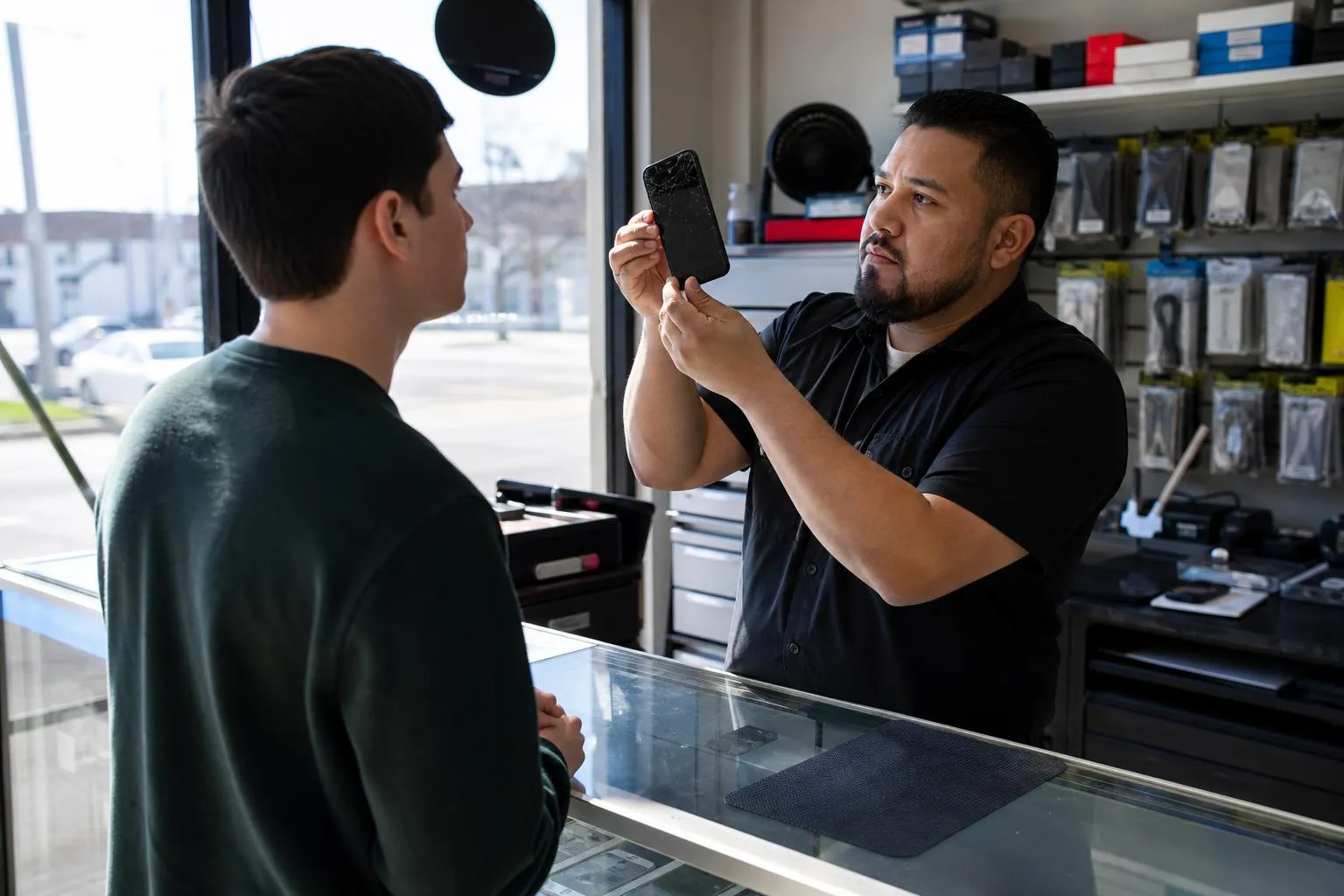
How to run Facebook for phone repair business
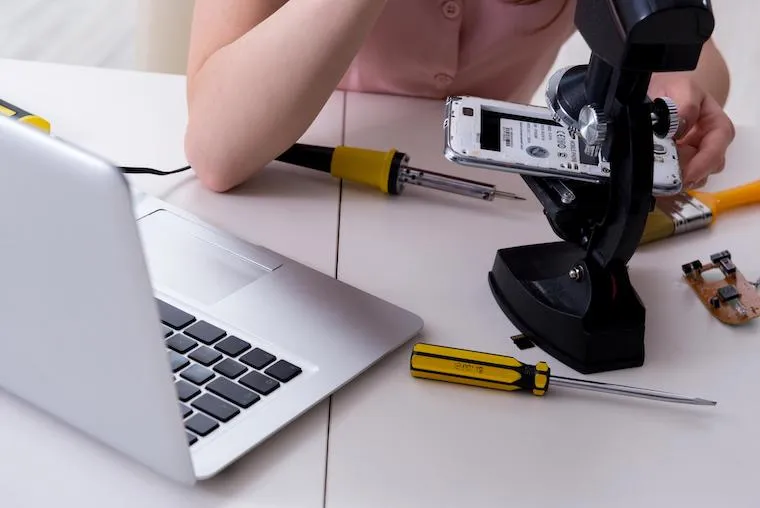
Most guides tell you to run Facebook ads for your repair shop. Then you build the campaign, submit it, and Meta rejects it because “phone repair” trips the same policy filter as phone unlocking and account recovery. Facebook still works for a repair shop, but not as an ad platform. It works as the place where your reviews live, where neighborhood groups send you cracked-screen customers for free, and where a searching customer sizes you up before they call. Run it that way and it out-earns the ad account you can barely keep open.
Why your ads keep getting rejected
Meta’s advertising policies lump device repair in with a category it treats as high-risk: services that could enable “unauthorized access” to accounts or devices. Phone unlocking, IMEI changes, iCloud removal, and account recovery live there, and the automated reviewer cannot tell your legitimate screen-replacement ad from a shady unlock service. So the ad gets disapproved, and if you appeal and lose twice, the whole ad account can get flagged. Owners burn a week fighting this before they realize the platform is telling them something: put your energy into organic reach, where none of these rules apply.
You can sometimes get ads through by advertising accessories, “screen protectors,” or a generic “we fix devices” message with zero mention of unlocking, recovery, or software. But it is fragile, and one wrong word resets you to disapproved. If you want a paid channel that actually scales for repair, that lives on the search side, and the honest breakdown is in running Google Ads for repair and advertising on Google.
Build the page like a storefront, not a billboard
Set the category to “Electronics Repair Shop,” fill in the exact name, address, and phone that match your Google Business Profile and your website letter-for-letter, and set hours you actually keep. Add a real cover photo of your storefront or bench, not a stock image of a cracked iPhone. Pin one post that states the three things a customer wants in the first two seconds: what you fix, your walk-in turnaround (“most screens in 30-45 minutes”), and your warranty. Turn on the “Book Now” or “Send Message” call-to-action button and point it at whatever you actually monitor.
The mechanics of the page setup overlap with your broader local presence, so do it once and do it right alongside advertising on Facebook and promoting the shop locally.
Local groups are the actual lead source
This is where repair shops win on Facebook. Every town has buy-sell-trade groups, “what’s happening in [neighborhood]” groups, and college or parent groups. People post “anyone know where to fix an iPhone screen?” in these constantly. Join the ten biggest ones in your service area with your personal profile, turn on keyword alerts for “screen,” “cracked,” “repair,” and “broken,” and answer helpfully when someone asks. Give a real answer and a real price range, not a copy-paste ad. Group admins ban the shop that spams and keep the owner who helps.
| Facebook channel | Realistic cost | What it actually returns |
|---|---|---|
| Boosted posts / ads | $5-$20/day, if approved | Low. Rejections common; weak intent |
| Business Page reviews | Free | High. Feeds Google panel, closes searchers |
| Local group replies | Free (your time) | High. Warm, in-market leads by the week |
| Messenger response | Free | High. Converts the searcher who was ready to call |
| Marketplace listings | Free | Medium. Accessories and used-device flips |
Messenger is your front counter
When someone messages your Page, they are not browsing, they are ready to hand you a broken phone and want to know two things: can you fix it and how much. Meta shows a public “Very responsive to messages” badge only if you keep your response rate at 90% or higher and your median response time under about 15 minutes during your stated hours. Miss that and the badge disappears, and prospects reading your page see nothing where competitors show “typically replies instantly.” Set up saved replies for your five most common questions (iPhone screen price, Samsung screen price, battery, water damage, “do you have my part in stock”) so a one-tap answer goes out even when you are elbow-deep in a teardown.
Content that earns saves, not scrolls
You do not need daily posts. You need a handful that do work. The formats that perform for repair shops are before-and-after photos of ugly jobs (a shattered screen next to the finished glass), short “did you know” clips (water-damaged phone? power it off and do not charge it), and the occasional customer shout-out with their permission. Post two to four times a week, not daily, and never post filler just to feed the algorithm. One genuinely useful water-damage tip that people save and share reaches more of your town than a month of “We fix phones!” graphics. Video and short clips travel furthest, and the same footage feeds your other channels, which is why owners cross-post to Instagram and TikTok from one shoot.
Organic Facebook vs paid Facebook for repair
- No policy rejections. Your reviews, group replies, and Messenger never get disapproved.
- Zero ad spend. Every lead is time, not cash, which protects thin repair margins.
- Warm intent. Group askers and messagers already want a repair, so they close fast.
Organic Facebook vs paid Facebook for repair
- Slow to build. Reviews and group trust accrue over months, not days.
- It is manual. Someone has to watch groups and answer Messenger every day.
- Hard to scale. You cannot buy your way to more reach the way search ads allow.
The takeaway for a new shop: lean fully organic for the first year, then put paid dollars into search, not Facebook, once the reviews are compounding.
Getting found is the part that decides everything
Facebook is one leg of a stool, and the other two decide whether the phone rings. Do the free pieces now: get your Facebook Page complete and consistent with your Google listing, text every happy customer a review link to both platforms before they leave, and answer every message within the hour. Those three cost nothing and lift you above every shop that set up a page and abandoned it.
The higher-stakes part is your website and search. A repair shop that ranks for “screen repair near me” and converts that searcher into a booked walk-in earns more than any social channel, but the gap between a site that converts and one that just looks fine is invisible until you compare the lead numbers. That, plus the Google Ads campaign that survives the restricted category, is the work we do. To have the site handled instead of guessed at, get a free video walkthrough. For ads and SEO built for the repair category, see our Facebook and Instagram ad management. If you have the shop but not the plan, start at expntl.com.
Should you run Facebook and Instagram ads yourself, or hand them off?
For a repair shop, most of Facebook should stay in your hands, the reviews, the group replies, the Messenger speed that actually books walk-ins. The paid side is the fragile part, because Meta files device repair near unlocking and can freeze the account you experiment with. We wrote an honest breakdown of when handing the ad side to a team pays for itself: the signs it is time to hand off your Meta ads. Keep answering the groups either way. When you want the paid side handled, request a free proposal.
Frequently asked questions
Why does Facebook keep rejecting my phone repair ads?
Meta’s ad policies file device repair near unlocking, IMEI changes, and account recovery, all of which fall under its “hacking or unauthorized access” family. The automated reviewer cannot tell your screen-replacement ad apart from a shady unlock service, so it disapproves it. Appeal if you like, but the reliable path is organic reach, where those rules do not apply, and paid search on Google for a channel that scales.
Can I ever run a paid Facebook ad for a repair shop?
Sometimes, if you advertise accessories or a generic “we fix devices” message with zero mention of unlocking, recovery, jailbreaking, or software. It is fragile and one flagged word resets you to disapproved, so most shops stop fighting it and put paid budget into Google search instead, which is built for high-intent “repair near me” queries.
How many Facebook reviews do I actually need?
Aim for 40-plus recommendations at a 4.7 average or better, because that is the point where your rating shows up strong in Google’s knowledge panel and reassures a searcher comparing you to competitors. Get there by texting every satisfied customer a direct review link before they leave the counter, not by asking once a month.
Do I need to post on Facebook every day?
No. Two to four posts a week of genuinely useful content (before-and-after photos, a water-damage tip, a customer shout-out) outperform daily filler, because the algorithm rewards saves and shares, not volume. Spend the time you would waste on daily graphics answering Messenger and local group threads instead, which is where the tickets actually come from.
Should I boost posts to reach more people?
Rarely worth it for repair. Boosted posts get low intent and often get rejected under the same restricted-category rule, and the money buys a handful of unqualified clicks. Put that budget into Google search where it targets people actively looking for a repair, and keep Facebook as your free review and referral engine.
Your move
Reading this does not book a job.
The owners who pull ahead are the ones who change one thing this week. If you want that one thing to be a website that sells and ads that put it in front of the right people, we build and run both for you.
Straight answer on whether we can help, usually the same day.