How to Run Facebook for Excavation Business
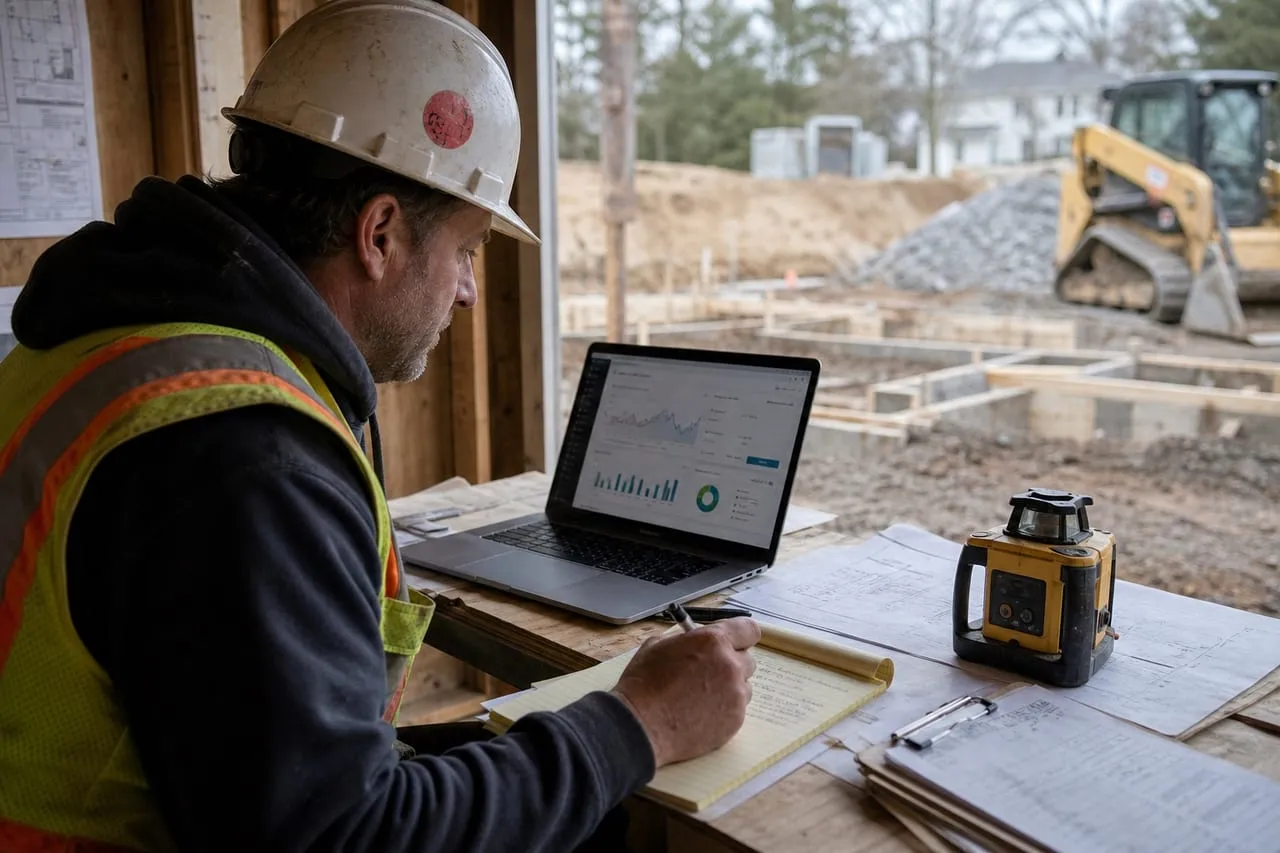
Running Facebook for an excavation business means two distinct jobs: managing the Page as a credibility surface for anyone checking you out, and running paid ad campaigns for residential lead generation. Most contractors confuse the two and just hit “Boost” on random posts. That wastes money. The setup below treats them as separate workflows so each one earns its keep.
Why Facebook Is a Residential Channel
Be clear about what this channel can and cannot do before spending a dollar. Facebook is interruption marketing: a homeowner scrolling at 9 PM sees a 30-second clip of a flooded backyard becoming a dry one and remembers their own swamp. That works because residential excavation is a latent problem. People live with bad drainage for years and act when something makes the fix feel concrete and local. Facebook is the best tool in existence for that nudge.
What it will not do is win you builder or commercial work. A GC choosing a site-work sub for a 14-lot subdivision is not clicking an instant form; that work is won at the HBA mixer and the supply yard counter, which is why the local promotion playbook exists as its own system. Treat every Facebook dollar as a residential dollar and measure it that way, or you will conclude the channel “doesn’t work” when it was simply pointed at the wrong buyer.
Step 1: Set Up Meta Business Manager Correctly
Don’t run ads from your personal account. Set up a proper business structure.
- Go to business.facebook.com and create a Business Manager account.
- Add your Page to the Business Manager (don’t run as a personal account).
- Create an Ad Account inside Business Manager. Use the business address and EIN.
- Add a payment method (business credit card).
- Verify the business if you’ll be running over $5k a month in ads (unlocks more campaign options).
- Add team members with specific access roles, not full admin.
This structure means you own the data, ad pixel, and audiences in the business name. If a marketer leaves, you don’t lose access to your own ad account.
There is a second reason the ownership detail matters: account bans. Meta’s automated enforcement disables ad accounts for trivia (a flagged payment, a “before and after” image it misreads as sensational content), and appeals run faster and cleaner when the account sits inside a verified Business Manager with a second admin. Add a trusted second admin on day one. Owners who run everything from one personal login discover, mid-season, that one locked profile took the whole lead engine down with it.
Step 2: Page Optimization
The Page itself converts visitors to leads even without ads.
- Page name matches LLC and GBP exactly.
- About section: services, service area, phone, license number.
- Cover photo: drone shot of a finished pad or jobsite.
- Profile photo: logo.
- Pinned post: a recent project Reel.
- Call-to-Action button: “Call Now” set to your business phone.
- Reviews enabled.
- Services section listing each offering with starting price ranges.
The Page matters even if you never post much, because almost every ad click detours through it. Homeowners click your ad, then tap the Page name to see whether you are real before they hand over a phone number. What they are checking is boring and specific: does the name match the truck in the photos, is there recent activity, do the reviews mention jobs in their area. A Page that posts twice a week with real jobsite footage closes the credibility gap that a cold ad opens. That is the actual job of organic content here. It is proof, not reach.
Step 3: Pixel and Conversion Tracking
Don’t run ads without tracking.
- Install the Meta Pixel on every page of your website (see how to make a website if you don’t have one worth tracking).
- Set up conversion events: Lead (quote form submit), Contact (phone call click), View Content (service page visit).
- For iOS 14+ tracking, configure Aggregated Event Measurement with Lead as the top priority event.
Without this you’re flying blind. You can’t optimize what you don’t measure. One calibration note from the field: since the iOS privacy changes, Ads Manager undercounts real results, often by 20 to 30 percent. So keep your own ledger. A simple spreadsheet mapping each lead to its source, quote, and outcome tells you the only number that matters, cost per booked job, more honestly than the dashboard ever will.
Step 4: Campaign Structure for Excavation
Run two parallel campaigns.
- Cold lead-gen campaign: instant form with 5 fields (name, phone, project type, location, target start). $20 to $50 a day. Audience: 25-mile radius, ages 28-65, interested in home improvement / lawn care / real estate.
- Retargeting campaign: warm audience of website visitors and Pixel events. $5 to $15 a day. Different creative (testimonial-led).
For ad creative strategy, see how to advertise on Facebook. For broader strategy, how to advertise covers the channel mix.
The one structural decision inside the cold campaign is where the lead happens: Meta’s instant form, or your own landing page. It is a genuine trade-off, not a default.
Instant forms: pros
- Cheapest cost per lead, often half the landing-page cost
- No website required and no page-speed problems
- Leads sync straight to your phone via Zapier SMS
Instant forms: cons
- Pre-filled fields invite low-intent submissions and price shoppers
- Leads cool off in minutes because the person never left their feed
- You build no website traffic for the retargeting audience
The working rule: start with instant forms because they are cheap and fast to test, but add one friction question (“What is your budget range for this project?”) to filter the tire-kickers. Switch to a landing page once your website actually converts, because a lead who read your reviews and looked at three project photos before submitting closes at a visibly higher rate than one who tapped twice while half-watching TV.
How Much to Spend (and When to Stop Scaling)
| Monthly spend | Expected leads | Booked jobs (1 in 4) | When it fits |
|---|---|---|---|
| $600 | 12 to 17 | 3 to 4 | First 60 days, testing creative |
| $1,200 | 25 to 34 | 6 to 8 | Steady state for one machine |
| $2,400 | 50 to 68 | 12 to 17 | Only with a second machine or crew |
The table’s third row is the trap. Facebook will happily spend $2,400 and deliver the leads, but a one-machine operation cannot serve 14 booked jobs a month, so quotes slip, response times stretch, and the close rate collapses. The result reads like “ads stopped working” when the real story is a capacity ceiling. Scale ad spend only after utilization data says the machine has open hours, and if the schedule fills for six weeks out, cut the budget rather than the follow-up speed. Paused ads cost nothing; ignored leads cost reputation.
Step 5: Daily and Weekly Workflow
Treat Facebook like a sales channel, not a content channel.
- Reply to every Page DM within 30 minutes during business hours.
- Reply to every lead-gen form submission within 5 minutes. Use Zapier to send leads straight to your phone via SMS.
- Post organic content 2 to 3 times a week (machine work, finished jobs, behind-the-scenes).
- Review ad performance weekly: cost per lead, lead quality, conversion to booked jobs.
- Refresh ad creative every 4 to 6 weeks. Same creative for too long causes ad fatigue.
Speed of follow-up is the highest-leverage line on that list, and it is not close. A Facebook lead is an impulse: someone paused mid-scroll and raised a hand. Call inside five minutes and you reach a person still thinking about their yard; call that evening and you reach voicemail, because the impulse has passed and two competitors may have called first. Most “Facebook leads are garbage” complaints are actually follow-up-speed problems wearing a disguise.
The weekly review deserves the same discipline. Kill creative by cost per booked job, not by clicks or comments: an ad that gets mocked in the comments but books two drainage jobs is a winner, and a viral machine video that books nothing is a loser. Give every new creative at least $150 of spend before judging it, because the algorithm needs a few days to find its audience.
Should you run Facebook and Instagram ads yourself, or hand them off?
For one machine and one offer, a Business Manager, an instant form, and five-minute follow-up are genuinely learnable in a weekend, and running it yourself teaches you what your market responds to. Where it stops paying is the day the tracking, the creative refresh, and the daily budget babysitting eat the hours you should spend digging. We wrote an honest breakdown of when to keep it in-house and when handing off earns its fee: signs it is time to hand off your Facebook and Instagram ads. When you would rather have the campaigns built and run for you, request a free proposal.
Frequently asked questions
Boost button or Ads Manager?
Ads Manager, always. The Boost button defaults to bad objectives and useless audiences. 30 minutes learning Ads Manager pays off in a week.
What budget makes sense for a single-machine operator?
$15 to $35 a day for cold lead-gen, plus $5 to $10 a day for retargeting. Around $600 to $1,200 a month total.
How do I know if Facebook ads are working?
Track cost per booked job, not cost per lead. If your cost per lead is $40 and you close 1 in 4 at an average $4,500 ticket, that’s $160 cost per $4,500 job. Math works.
Should I run Instagram placements alongside Facebook?
Yes, in the same ad set. Meta auto-distributes budget to whichever surface converts better. For visual excavation content, Instagram placements often outperform Facebook feed.
What if my Page gets a bad review?
Reply publicly within 24 hours, professionally. Address the issue, offer to discuss offline. Don’t argue. A reasoned reply to a bad review often impresses prospects more than the 5-stars do.
Your move
Reading this does not book a job.
The owners who pull ahead are the ones who change one thing this week. If you want that one thing to be a website that sells and ads that put it in front of the right people, we build and run both for you.
Straight answer on whether we can help, usually the same day.